Get your free personalized podcast brief
We scan new podcasts and send you the top 5 insights daily.
A popular professional workflow involves rendering a low-resolution scene in a 3D tool like Blender and feeding it to an AI video model as a reference. This gives artists nearly 100% control over the final output's structure and motion, using AI as a high-fidelity texturing and rendering layer.
Related Insights
Advanced generative media workflows are not simple text-to-video prompts. Top customers chain an average of 14 different models for tasks like image generation, upscaling, and image-to-video transitions. This multi-model complexity is a key reason developers prefer open-source for its granular control over each step.

Most generative AI tools get users 80% of the way to their goal, but refining the final 20% is difficult without starting over. The key innovation of tools like AI video animator Waffer is allowing iterative, precise edits via text commands (e.g., "zoom in at 1.5 seconds"). This level of control is the next major step for creative AI tools.

An efficient workflow is to use faster, cheaper modes like Normal or Ultra 2K for initial concepting and composition. Once the creative direction is set, regenerate only the final, approved candidate in the resource-intensive Ultra 4K mode. This balances speed and cost with final quality, treating high resolution as a deliberate creative choice.

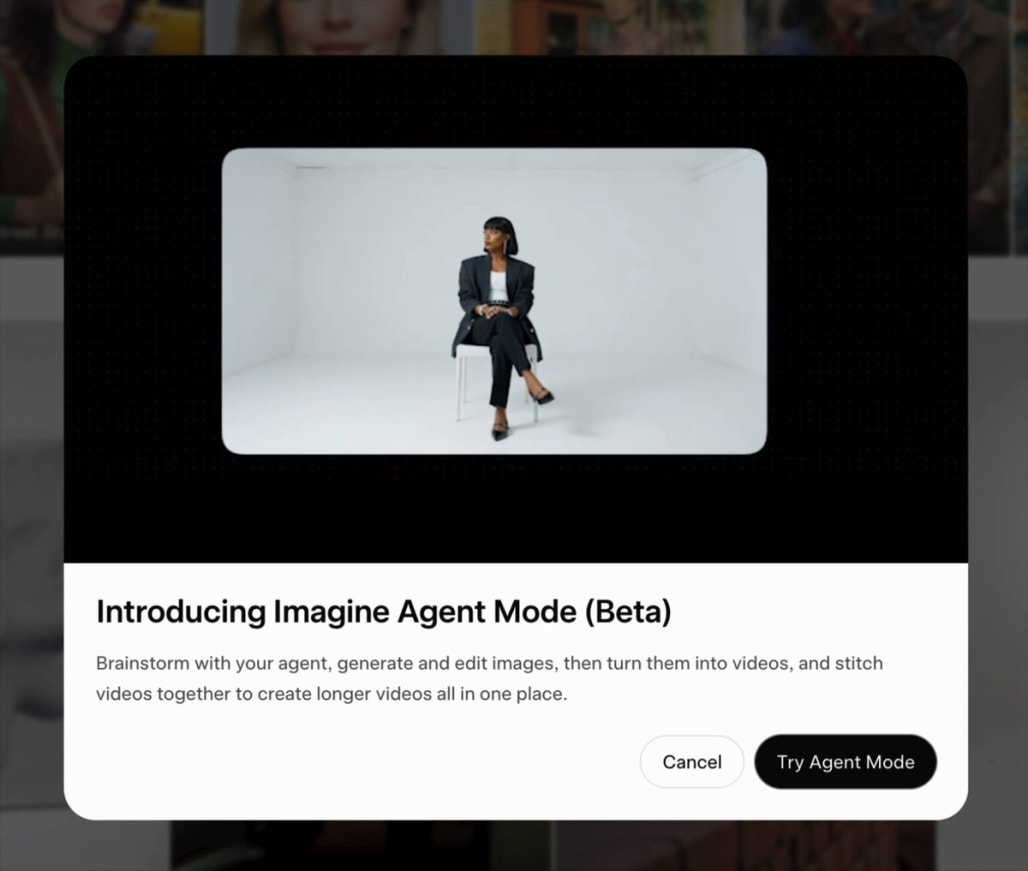
The next leap in video generation won't come from monolithic models but from AI agents. These LLM-driven agents will use a suite of tools—including diffusion models, video editors like FFmpeg, and image editors—to iteratively create and refine complex, long-form videos.
Professionals in Hollywood aren't interested in unpredictable generation. They adopt AI video for tools that offer precise, deterministic control over camera angles (via JSON), lighting, lip-sync, and character motion. The value is in augmenting and accelerating existing workflows, not replacing them with a black box.
Don't accept the false choice between AI generation and professional editing tools. The best workflows integrate both, allowing for high-level generation and fine-grained manual adjustments without giving up critical creative control.

The workflow of generating AI video scene-by-scene and stitching clips together is becoming obsolete. Newer models like Kling 3.0 can interpret multi-scene prompts, creating a single, continuous video with multiple shots. This drastically simplifies production and improves narrative coherence.
To maintain visual consistency in AI-generated videos, don't rely on text-to-video prompts alone. First, create a library of static 'ingredient' images for characters, settings, and props. Then, feed these reference images into the AI for each scene to ensure a coherent look and feel across all clips.
When analyzing video, new generative models can create entirely new images that illustrate a described scene, rather than just pulling a direct screenshot. This allows AI to generate its own 'B-roll' or conceptual art that captures the essence of the source material.
In AI video generation, the quality of the final product depends as much on the "harness"—the surrounding UI, editing tools, and workflow logic—as it does on the power of the underlying generative model.