Get your free personalized podcast brief
We scan new podcasts and send you the top 5 insights daily.
To speed up iteration with an AI video agent, first generate a Markdown storyboard for the narrative, then have the agent create a static `storyboard.html` file. This file shows one key visual frame per scene, allowing for rapid aesthetic review and changes before committing to the time-intensive full video render.

Related Insights
A systematic approach to AI video can reduce production time by over 90%. The process involves: 1) Finalizing the core idea, 2) Creating a detailed storyboard with scenes and dialogue, 3) Generating static reference images for each scene, and 4) Generating video clips and performing a final edit.

Successful AI video production doesn't jump from text to video. The optimal process involves scripting, using ChatGPT for a shot list, generating still images for each shot with tools like Rev, animating those images with models like VEO3, and finally, editing them together.

Tools like Google Flow are more than just video renderers. They function as a creative partner, assisting with brainstorming, storyboarding, and framing scenes. This shifts the user's role from a hands-on creator to a director collaborating with an AI producer, democratizing complex creative work.
Traditional video editors use JSON/XML backends, which LLMs struggle to visualize. Hyperframes uses HTML, CSS, and JavaScript, a format LLMs are highly proficient in, allowing agents to express not just structure but also visual aesthetics, solving the 'visual intelligence' gap.
The next leap in video generation won't come from monolithic models but from AI agents. These LLM-driven agents will use a suite of tools—including diffusion models, video editors like FFmpeg, and image editors—to iteratively create and refine complex, long-form videos.
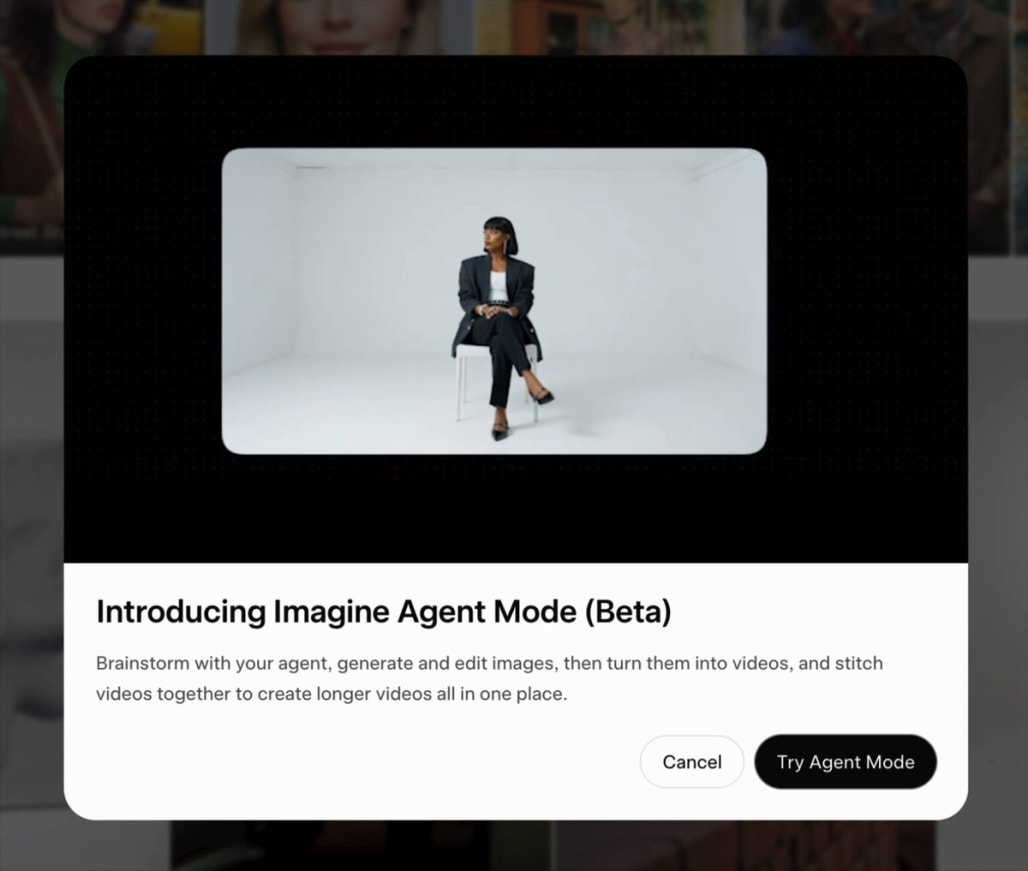
Avoid the "slot machine" approach of direct text-to-video. Instead, use image generation tools that offer multiple variations for each prompt. This allows you to conversationally refine scenes, select the best camera angles, and build out a shot sequence before moving to the animation phase.
Instead of receiving a wall of text from an agent, prompt it to generate an interactive HTML artifact using a tool like Lavish. This makes plans easier to skim, critique, and annotate, enabling a much richer and faster feedback loop with the agent.
Hyperframes' launch videos are open-sourced as codebases. Users can prompt their AI agent to pull specific code components (e.g., a text animation) from existing videos and apply a new visual style using a `frame.md` file, dramatically accelerating the creation of on-brand content.
A common failure with AI agents is underspecified prompts leading to incorrect implementations (e.g., a checkbox instead of a toggle). Video demos provide immediate visual feedback, creating a shared artifact that makes these misalignments obvious without needing to run the code locally.
To maintain visual consistency in AI-generated videos, don't rely on text-to-video prompts alone. First, create a library of static 'ingredient' images for characters, settings, and props. Then, feed these reference images into the AI for each scene to ensure a coherent look and feel across all clips.