Get your free personalized podcast brief
We scan new podcasts and send you the top 5 insights daily.
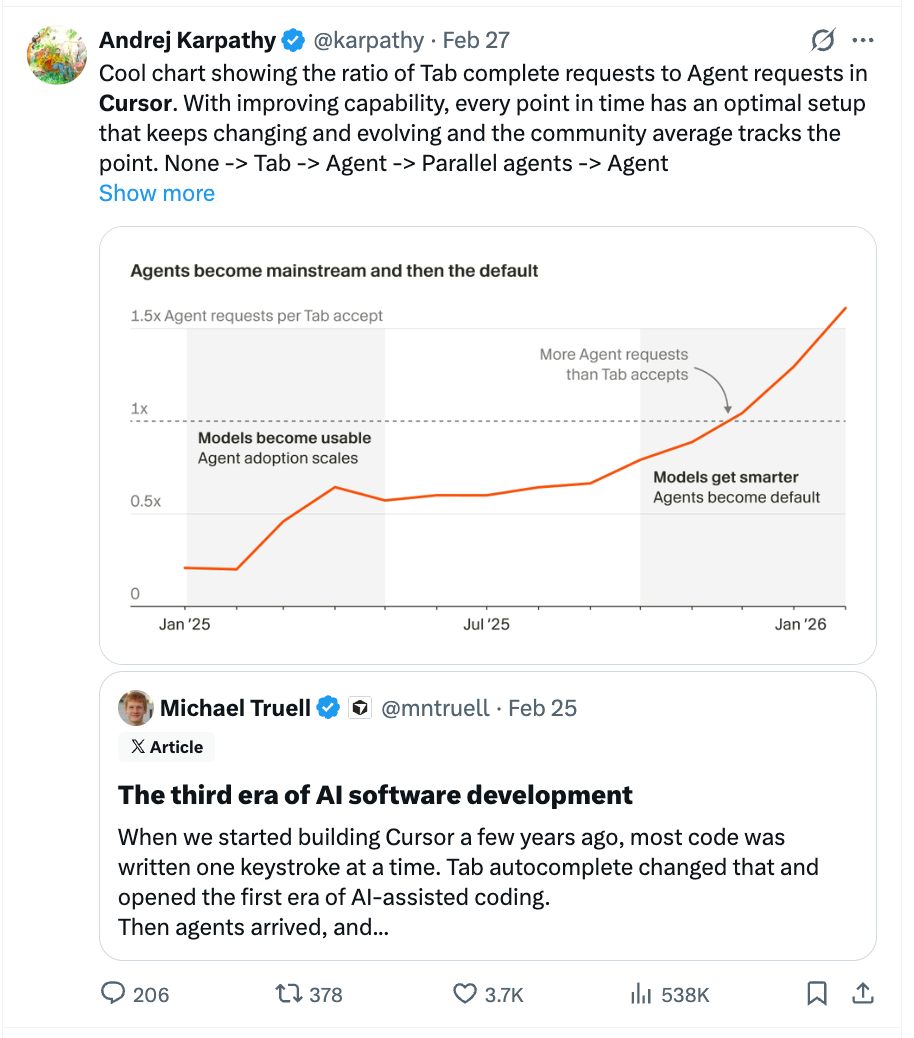
Instead of receiving a wall of text from an agent, prompt it to generate an interactive HTML artifact using a tool like Lavish. This makes plans easier to skim, critique, and annotate, enabling a much richer and faster feedback loop with the agent.

Related Insights
When iterating on a Gemini 3.0-generated app, the host uses the annotation feature to draw directly on the preview to request changes. This visual feedback loop allows for more precise and context-specific design adjustments compared to relying solely on ambiguous text descriptions.

Ask an AI to write the product spec for a feature. If it feels wrong, re-prompt instead of editing. Then, have the AI generate a prompt for an image generator to create a visual mockup, allowing you to see the feature before committing to code.
Markdown plans from AI agents are becoming too long and unreadable. HTML allows for richer, more engaging artifacts with visuals and better formatting. This improves human oversight and collaboration with the AI, as the plans are more likely to be read and understood by the engineer.

The most advanced use of AI agents involves breaking the 'prompt-wait-review' cycle. Features like Codex's 'steer' and side panel allow users to inspect, annotate, and redirect the AI while it's working. This shifts the paradigm from sequential turns to a continuous, parallel collaboration.

HTML excels in the new "agent staging" paradigm because its native features (tabs, color-coding, expandable sections) can encode a project's "mixed doneness." This visually distinguishes between locked requirements, open exploratory areas, and provisional decisions, calibrating the agent's autonomy more effectively than plain text.
Instead of prompting for code line-by-line, "Plan Mode" has the AI agent generate a detailed plan in a markdown file first. The user reviews and modifies this plan like a spec document, elevating their role from coder to architect before the AI executes the build.
Early AI tools forced a frustrating 'regenerate' loop. Modern UX patterns succeed by making AI output interactive and editable within the same workflow. This shifts the user's expectation from a perfect final answer to a workable starting point, fostering a more collaborative process.
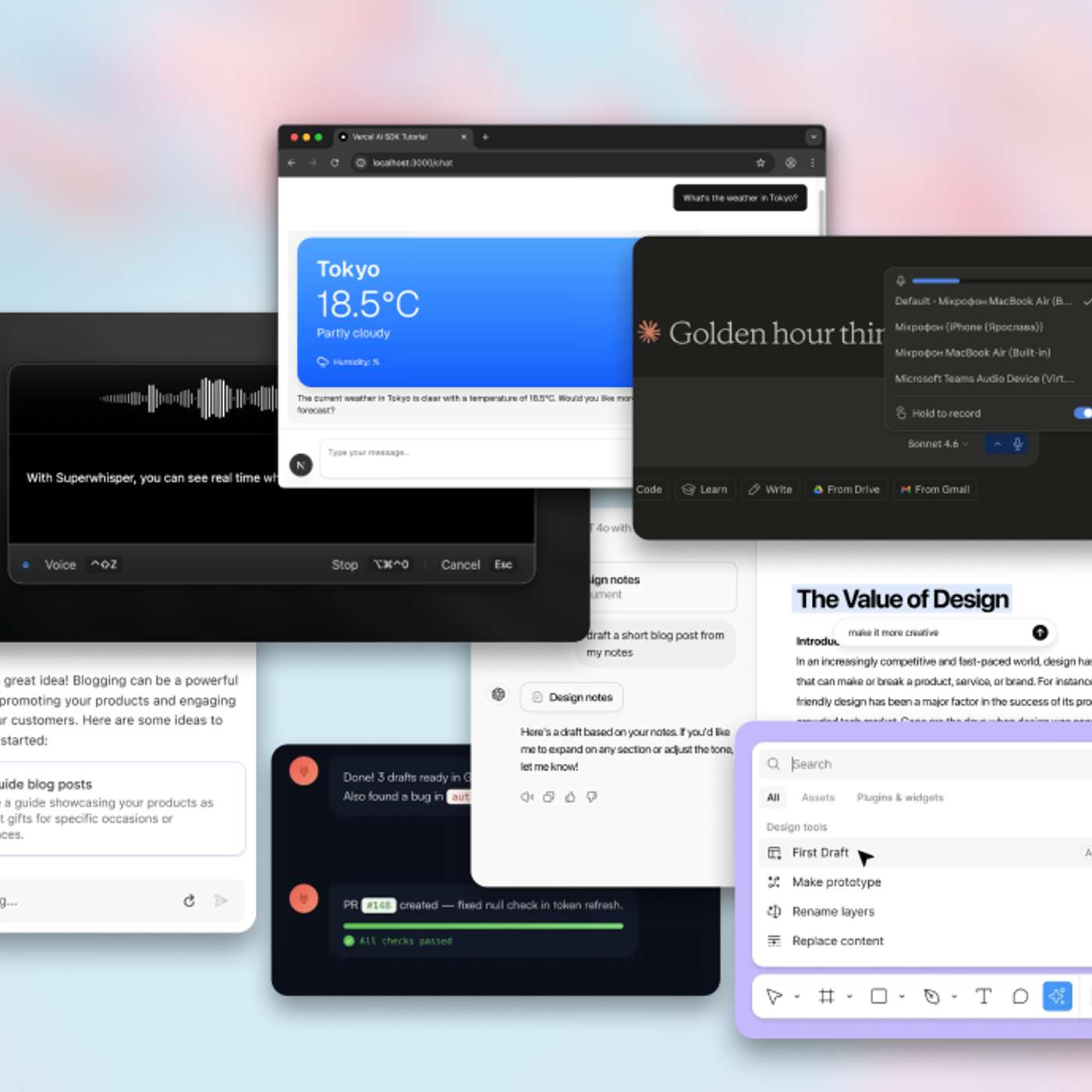
Instead of writing specs, use AI to ingest an existing website and generate a functional prototype of a proposed redesign. This creates a "visual bridge" that more effectively communicates a vision from non-technical teams (like education) to design and engineering, reducing misinterpretation.

Instead of editing a complex AI-generated plan via text prompts, ask the AI to build a custom, throwaway HTML interface for a specific part of the plan (e.g., a table of rules). This "micro software" provides a more intuitive way to interact with and modify the plan, improving the quality of human feedback.
A common failure with AI agents is underspecified prompts leading to incorrect implementations (e.g., a checkbox instead of a toggle). Video demos provide immediate visual feedback, creating a shared artifact that makes these misalignments obvious without needing to run the code locally.