Get your free personalized podcast brief
We scan new podcasts and send you the top 5 insights daily.
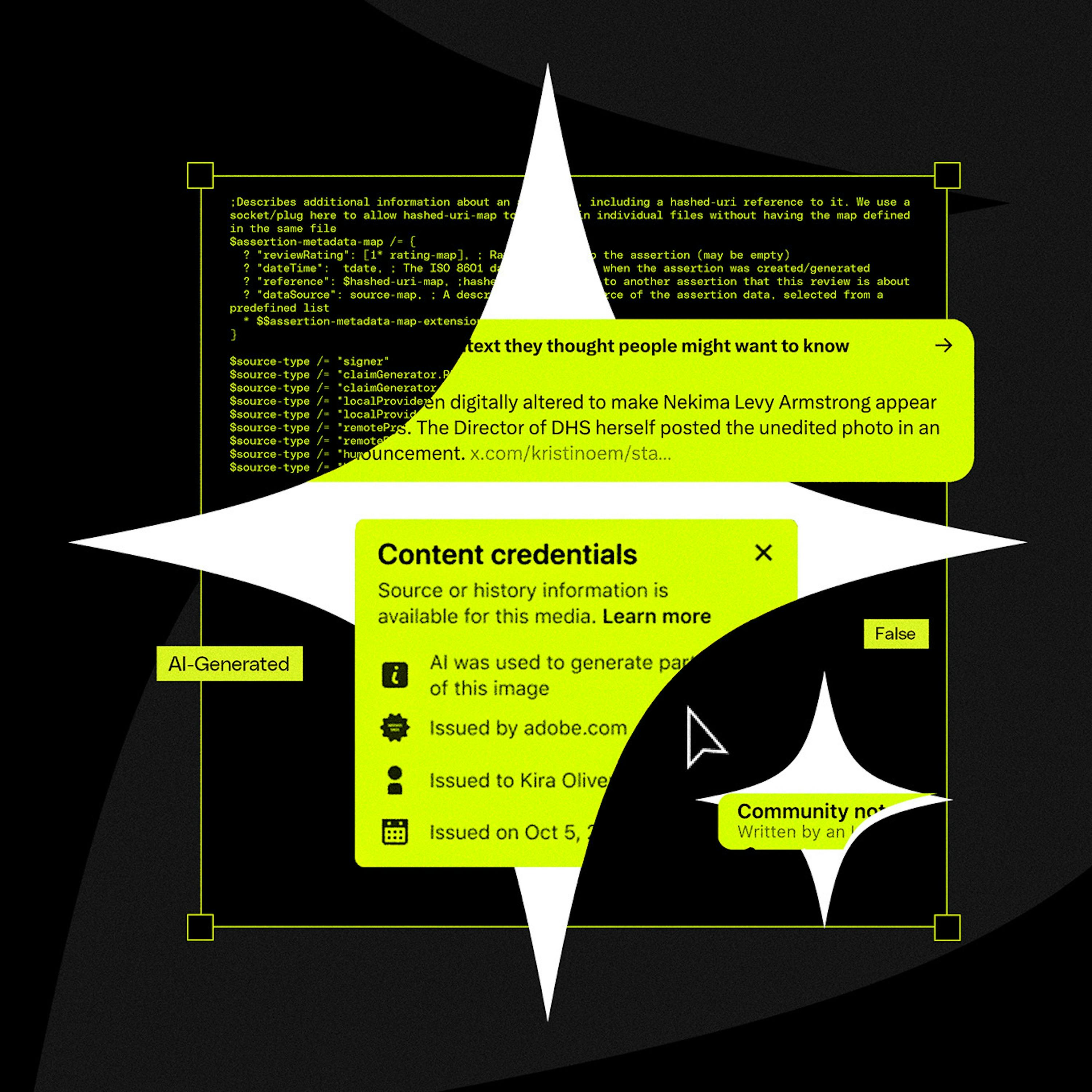
Social media platforms are de-prioritizing images directly exported from AI tools. However, simple post-processing steps can currently bypass this detection. Importing an AI image into a tool like Canva for minor edits, or even just screenshotting and resizing it, has proven effective at preventing it from being identified as AI-generated.

Related Insights
The AI content generation landscape is evolving daily, with features like watermarking being introduced rapidly. Marketers cannot rely on a static workflow; they must continuously monitor AI news and test their processes to ensure their content isn't unintentionally flagged or de-prioritized by social platforms.
The ease of generating content with AI led to a flood of low-effort posts, turning platforms like LinkedIn into showcases for "AI slop." In response, companies like Substack are rolling out anti-AI tools to detect and disincentivize machine-generated content, aiming to preserve quality and human authenticity.

To maximize efficiency and control costs, treat AI ad generators as a starting point, not a final solution. Use them to create initial concepts and copy. Once an ad is "close enough," export it and perform final visual edits in a dedicated design tool like Canva, avoiding expensive AI credit usage for minor tweaks.

AI platforms like Claude are adding invisible watermarks to text and visible ones to images. This ends the simple copy-paste era, forcing marketers to use AI for first drafts, then significantly edit or process the content through other tools like Canva to obscure these watermarks and avoid platform penalties.
Don't accept the false choice between AI generation and professional editing tools. The best workflows integrate both, allowing for high-level generation and fine-grained manual adjustments without giving up critical creative control.
An advanced AI workflow involves giving the tool access to your local computer. This allows you to point it at any file, such as a screenshot of analytics in your downloads folder, and have it analyze the image and generate platform-specific content from it automatically.
Despite platforms getting better at identifying AI-generated images, simple workarounds are still effective. Taking an AI image, modifying it in a tool like Canva, or even just screenshotting and resizing it can strip the metadata and prevent it from being flagged as AI, a tactic the speaker found works despite online claims to the contrary.

Initiatives like Google's Synth ID aim to standardize detection of AI-generated content. However, these systems are vulnerable. Simple user actions like screenshotting can strip metadata, and blending AI-generated assets with real footage can easily confuse detection algorithms, limiting their effectiveness.
Major platforms like YouTube, Snapchat, and LinkedIn are actively removing or flagging low-effort AI-generated content. This backlash isn't against AI itself but against the sheer volume of "slop" that degrades user experience. This forces platforms to curate for quality and could steer AI use toward more valuable applications.

Attempts to label "AI content" fail because AI is integrated into countless basic editing tools, not just generative ones. It's impossible to draw a clear line for what constitutes an "AI edit," leading to creator frustration and rendering binary labels meaningless and confusing for users.