Get your free personalized podcast brief
We scan new podcasts and send you the top 5 insights daily.
By integrating tools like Google Workspace, Linear, and Slack, Claude Code becomes a centralized command center. This eliminates the need to constantly switch between different applications, reducing cognitive load and saving time spent on routine tasks like updating documents or sending status messages.

Related Insights
A powerful AI workflow involves two stages. First, use a standard LLM like Claude for brainstorming and generating text-based plans. Then, package that context and move the project to a coding-focused AI like Claude Code to build the actual software or digital asset, such as a landing page.

A key use case for Claude Code is a single command that generates a daily standup summary. It pulls calendar events from Google, checks ticket statuses in Linear, reviews local notes, identifies blockers, and prepares you for the day without you ever leaving the terminal.
A disciplined folder structure (`Context`, `Projects`, `Templates`, `Tools`, `Temp`) is crucial for effective Claude Code use. It helps you stay organized and enables the AI to easily find relevant information, making it a more personalized and powerful assistant.
By granting an AI agent read-access to all company data streams—Slack, Notion, Google Docs, email—you can create a centralized oracle. This agent can answer any question about project status or client communication, instantly removing communication friction and breaking down departmental silos.
User workflows rarely exist in a single application; they span tools like Slack, calendars, and documents. A truly helpful AI must operate across these tools, creating a unified "desired path" that reflects how people actually work, rather than being confined by app boundaries.
Instead of holding context for multiple projects in their heads, PMs create separate, fully-loaded AI agents (in Claude or ChatGPT) for each initiative. These "brains" are fed with all relevant files and instructions, allowing the PM to instantly get up to speed and work more efficiently.
By connecting to services like G Suite, users can query their personal data (e.g., 'summarize my most important emails') directly within the LLM. This transforms the user interaction model from navigating individual apps to conversing with a centralized AI assistant that has access to siloed information.
Instead of jumping between apps, top PMs use a central tool like Claude Desktop or Cursor as a 'home base.' They connect it to other services (Jira, GitHub, Sanity) via MCPs, allowing them to perform tasks and retrieve information without breaking their flow state.
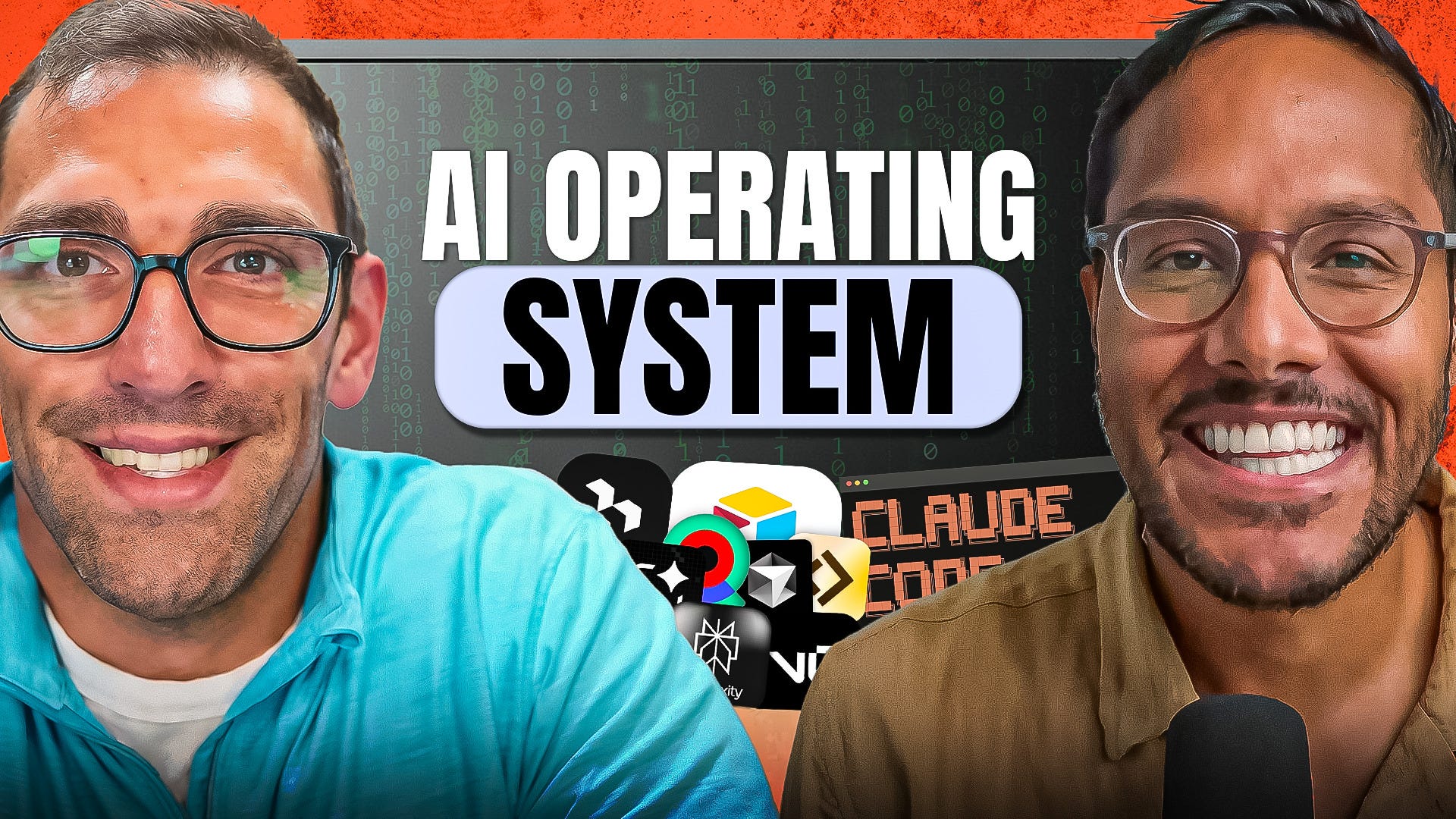
To gain data ownership and enable AI automation, Teresa Torres built a personalized task manager using Claude Code and local Markdown files. This allows her to prompt the AI to directly see and execute items from her to-do list, a capability not possible with third-party tools like Trello.
Instead of uploading brand guides for every new AI task, use Claude's "Skills" feature to create a persistent knowledge base. This allows the AI to access core business information like brand voice or design kits across all projects, saving time and ensuring consistency.
