Get your free personalized podcast brief
We scan new podcasts and send you the top 5 insights daily.
Rather than starting with high-stakes customer-facing features, design teams build proficiency by creating internal workflow automations. Google Search UX upskilled by piloting tools like automated visual QA raters and review-simulation agents. Tackling tangible internal pain points first gives designers a safe sandbox to master prompting and agentic workflows before attempting complex consumer products.
Related Insights
Users rarely seek out separate AI functionality. Adoption becomes natural when AI assistance appears contextually within existing workflows, addressing friction points directly where the user is already working. This embedded approach is far more effective than adding AI as a separate, layered-on tool.
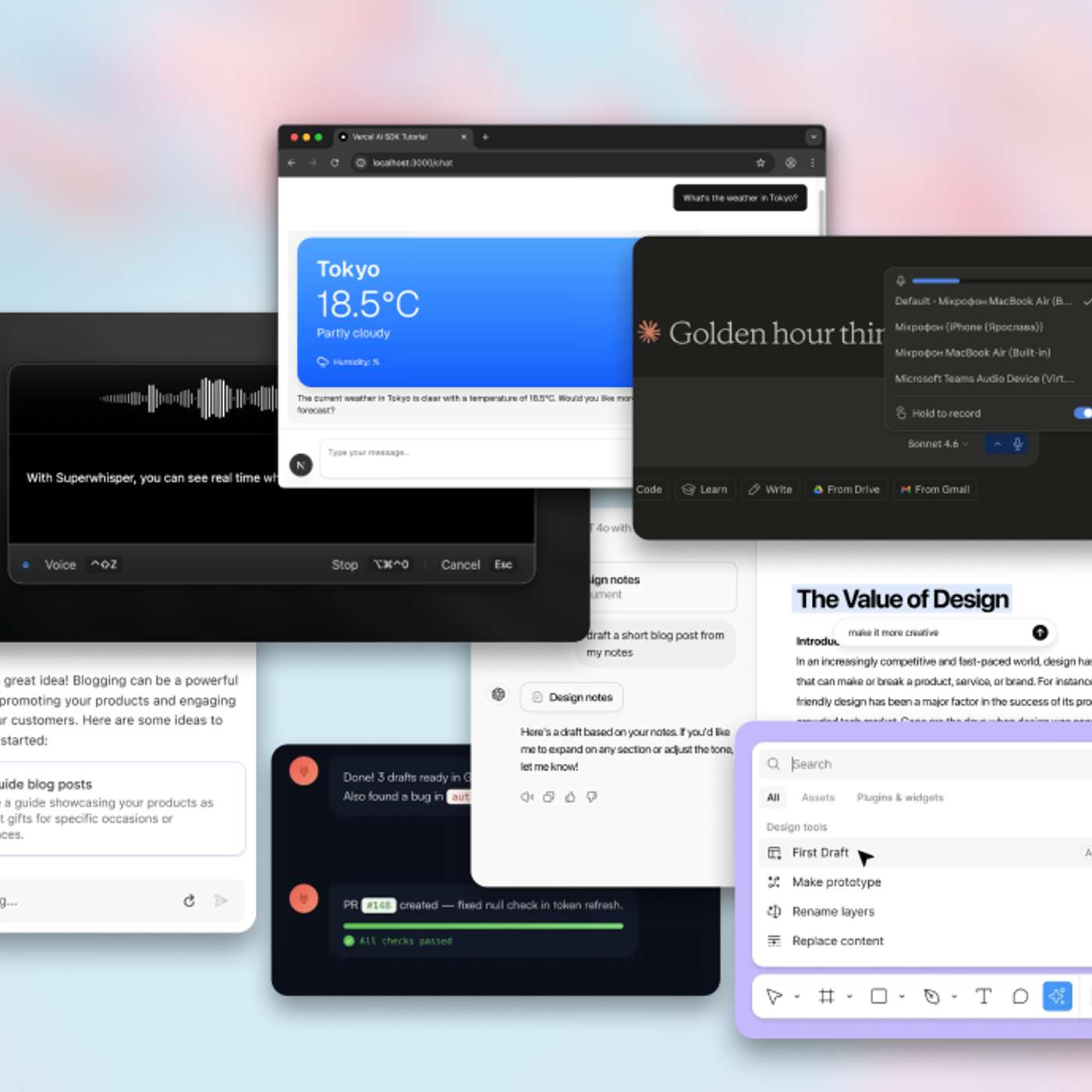
Non-technical teams often abandon AI tools after a single failure, citing a lack of trust. Visual builders with built-in guardrails and preview functions address this directly. They foster 'AI fluency' by allowing users to iterate, test, and refine agents, which is critical for successful internal adoption.

Instead of randomly applying AI, a better approach is to journey map the internal process of how product, design, and development teams collaborate. This analysis reveals the biggest bottlenecks and points of friction, which then become the most valuable and targeted places to apply AI for genuine process improvement.

Initial adoption of AI agents was driven by solving small, personal annoyances like ordering groceries, dubbed "computer errands." This low-stakes entry point helped users build familiarity and trust with the agent before graduating them to more complex, high-value professional work.
Many companies try automating massive, multi-team processes from day one. A better strategy is to first empower individual employees to build their own agents, fostering a culture of innovation before tackling complex, cross-functional automation.

Onboard users (or yourself) to an AI agent like a new human teammate. Start with easy, high-frequency tasks (e.g., summarizing Slack threads). Progress to harder, multi-step tasks (e.g., scheduling a meeting based on replies). Only then, attempt to automate an entire workflow (e.g., running daily growth experiments).

To ease the transition to AI workflows, begin by encouraging employees to use common tools like ChatGPT with simple, conversational prompts. This builds comfort with generative responses. Only after this foundation is set should you introduce the concept of supervising small, autonomous AI agents, making adoption more natural.

By handling repetitive production work, AI gives designers bandwidth to focus on high-impact, creative problems. This includes innovating on previously overlooked details like loading states, which have new importance in AI-driven products for building user trust.
While generating products with AI is popular, a massive unlock lies in applying it to unseen internal processes. AI can optimize workflows, improve content design, and perform analysis. These non-product applications can create significant leverage for design teams within larger organizations.
To gain organizational buy-in for AI, start by asking teams to document their most draining, repetitive daily tasks. Building agents to eliminate these specific pain points creates immediate value, generates enthusiasm, and builds internal champions for broader strategic initiatives, making it an approachable path to adoption.