Get your free personalized podcast brief
We scan new podcasts and send you the top 5 insights daily.
Instead of manually performing tedious tasks like 'git pull' across 15 repositories, use an AI assistant like Claude Code to instantly write a script. This automates environment setup and maintenance, ensuring local code is always up-to-date with minimal effort.
Related Insights
Instead of relying on engineers to remember documented procedures (e.g., pre-commit checklists), encode these processes into custom AI skills. This turns static best-practice documents into automated, executable tools that enforce standards and reduce toil.

Use an AI assistant like Claude Code to create a persistent corporate memory. Instruct it to save valuable artifacts like customer quotes, analyses, and complex SQL queries into a dedicated Git repository. This makes critical, unstructured information easily searchable and reusable for future AI-driven tasks.

Instead of relying on one-off prompts, professionals can now rapidly build a collection of interconnected internal AI applications. This "personal software stack" can manage everything from investments and content creation to data analysis, creating a bespoke productivity system.

To enable seamless, 'always-on' development with AI agents, use a Virtual Private Server (VPS) with a tool like SyncThing. This keeps your local code repositories constantly synchronized, allowing an AI agent (e.g., via a Telegram bot) to access an up-to-date environment and continue work from anywhere.

For recurring AI tasks, such as loading project-specific diagrams or switching models in Claude Code, create short shell aliases (e.g., 'cdi' for 'Claude diagram load'). This avoids retyping long commands and allows you to quickly switch contexts or modes.

Configure an AI stop hook to not only run quality checks but also to automatically commit the changes if all checks pass. This creates a fully automated loop: the AI generates code, the hook validates it, and if it's clean, it's committed to the repository with a generated message.
The team leverages Codex's automation for advanced dev workflows. This includes keeping pull requests mergeable by automatically resolving conflicts and fixing build issues, and running scheduled jobs to find and fix subtle, latent bugs in random files.
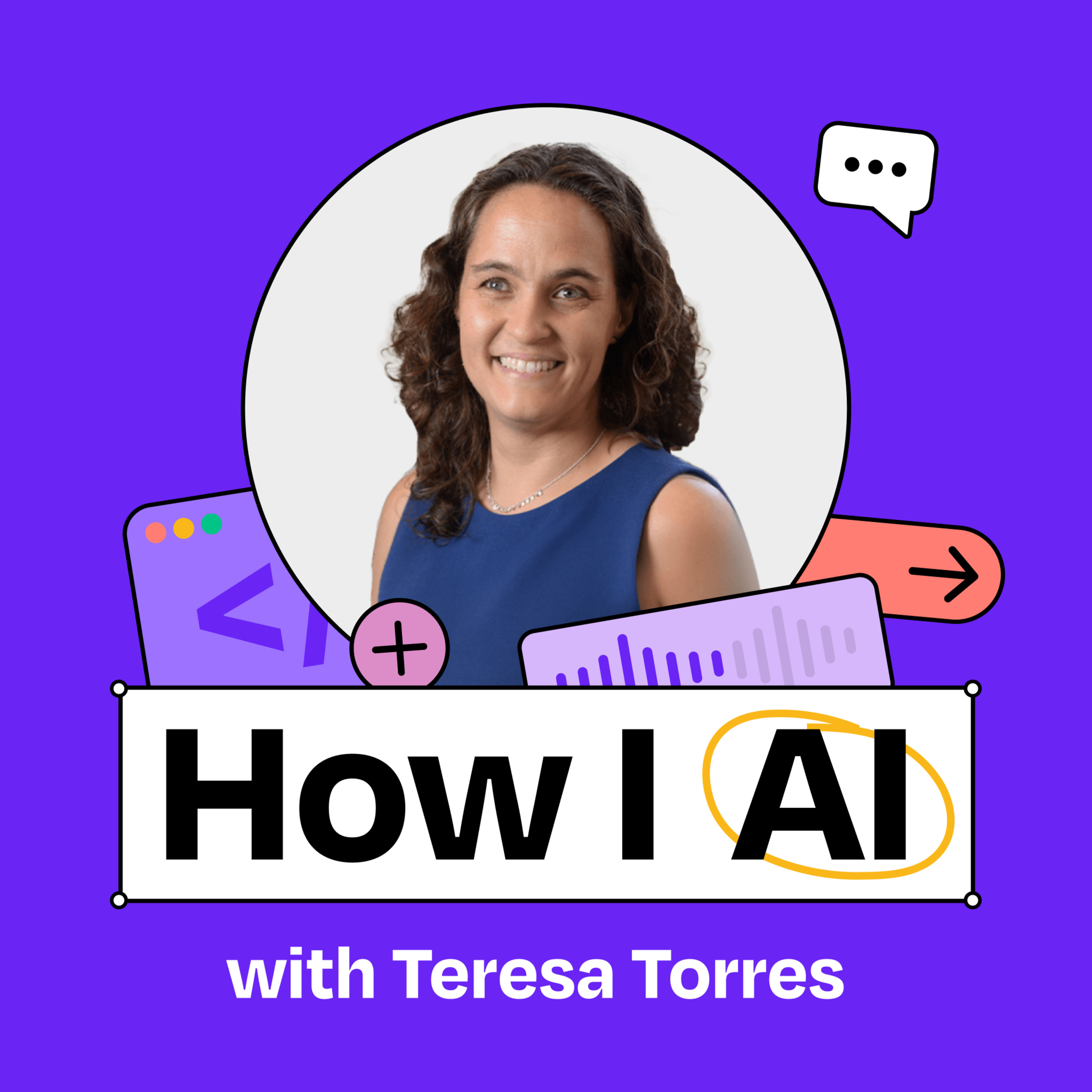
To gain data ownership and enable AI automation, Teresa Torres built a personalized task manager using Claude Code and local Markdown files. This allows her to prompt the AI to directly see and execute items from her to-do list, a capability not possible with third-party tools like Trello.
For complex, one-time tasks like a code migration, don't just ask AI to write a script. Instead, have it build a disposable tool—a "jig" or "command center”—that visualizes the process and guides you through each step. This provides more control and understanding than a black-box script.

To handle the influx of contributions to his OpenOats project, creator Yazeen Alirahim built "Auto Maintainer," an AI bot powered by Claude. This bot autonomously manages the GitHub repository by researching bugs, responding to issues, creating pull requests, merging code, and deploying fixes, escalating only high-risk issues to him.