Get your free personalized podcast brief
We scan new podcasts and send you the top 5 insights daily.
When a specialized custom agent breaks, don't debug it manually. Instead, use a more powerful, general agent like Codex to analyze the failure. By providing a screenshot or context, the primary agent can diagnose the issue and rewrite the broken agent's underlying architecture.

Related Insights
A cutting-edge pattern involves AI agents using a CLI to pull their own runtime failure traces from monitoring tools like Langsmith. The agent can then analyze these traces to diagnose errors and modify its own codebase or instructions to prevent future failures, creating a powerful, human-supervised self-improvement loop.
An AI agent monitors a support inbox, identifies a bug report, cross-references it with the GitHub codebase to find the issue, suggests probable causes, and then passes the task to another AI to write the fix. This automates the entire debugging lifecycle.

For stubborn bugs, use an advanced prompting technique: instruct the AI to 'spin up specialized sub-agents,' such as a QA tester and a senior engineer. This forces the model to analyze the problem from multiple perspectives, leading to a more comprehensive diagnosis and solution.

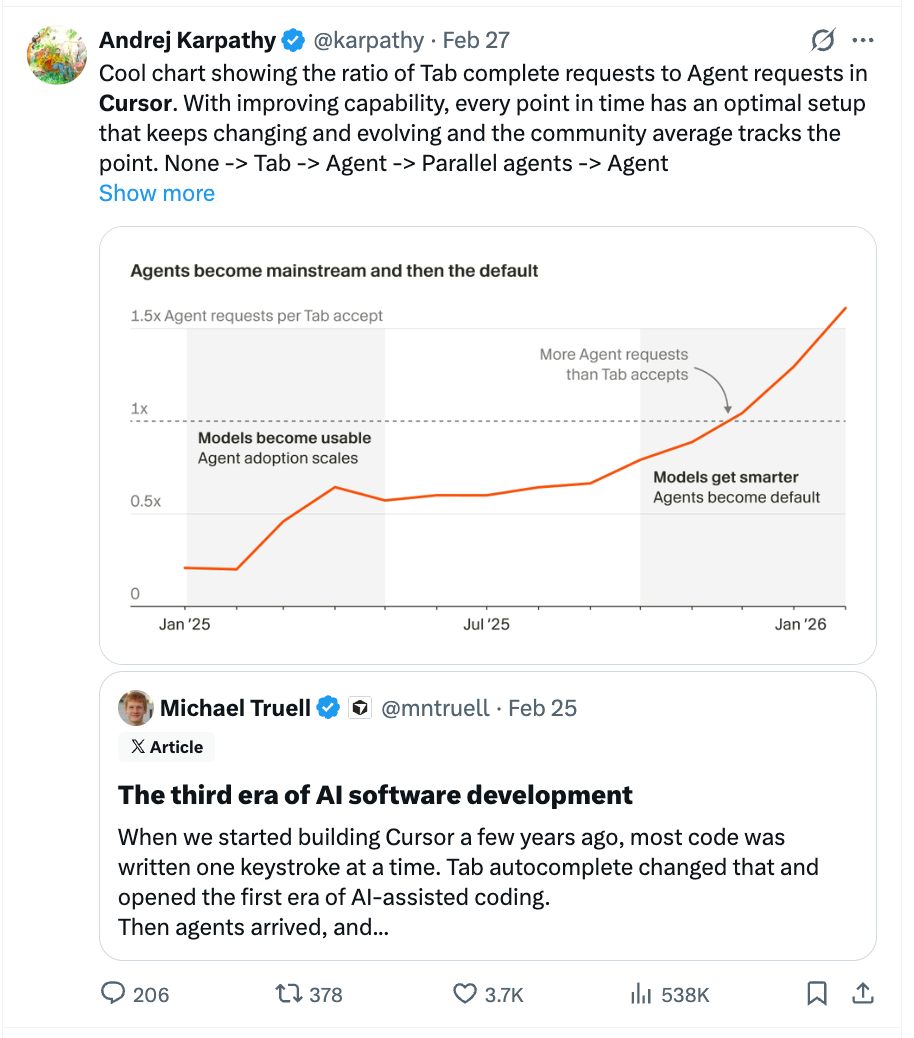
Cursor's "cloud agent diagnosis" command allows a primary agent to spin up specialized sub-agents that use integrations like Datadog to explore logs and diagnose another agent's failure. This creates a multi-agent system where agents act as external debuggers for each other.
A four-step method for non-technical users to debug AI code. First, use the tool's auto-fix feature. Second, ask the AI to add console logs to increase its awareness. Third, use an external tool like OpenAI's Codex for a "second opinion." Finally, revert to a working version and re-prompt with more clarity.

Run two different AI coding agents (like Claude Code and OpenAI's Codex) simultaneously. When one agent gets stuck or generates a bug, paste the problem into the other. This "AI Ping Pong" leverages the different models' strengths and provides a "fresh perspective" for faster, more effective debugging.

When an agent fails, treat it like an intern. Scrutinize its log of actions to find the specific step where it went wrong (e.g., used the wrong link), then provide a targeted correction. This is far more effective than giving a generic, frustrated re-prompt.
For advanced debugging, use a dedicated coding agent to manage your other agents. Claire Vo points Clawed Code at her OpenClaw directory to diagnose issues, fix configurations, or even "transplant" memories and tasks between her different agents, acting as a high-level administrator.

Newman's most critical infrastructure for AI-assisted development is a universal logging service for all his apps (front-end, back-end, mobile). When a bug appears, he can tell an AI agent to "debug this," and it can analyze the comprehensive logs to find the root cause without guesswork.

Building a visual debugging tool for trace files is wasted effort when an AI agent can directly analyze the raw data and provide the answer. Optimizing for human legibility in the debugging process is a mistake when the agent, not a human, is doing the fixing.