Get your free personalized podcast brief
We scan new podcasts and send you the top 5 insights daily.
To move work seamlessly between AI platforms, create a section in a dedicated builder tool like Lovable and ask it to write the generation prompt. That prompt can then be transferred to another LLM like Claude to continue iterative design and front-end code generation.

Related Insights
For niche tasks, leverage an AI model with deep domain knowledge (like Claude for its own 'Skills' feature) to create highly specific prompts. Then, feed these optimized prompts into a powerful, generalist coding assistant (like Google's) to achieve a more accurate and robust final product.
When working with multiple AI tools (e.g., an LLM for strategy, another for code, a third for images), delegate the task of writing prompts to your main AI partner. Explain your goal, and have it generate the precise instructions for the other tools. This saves time and ensures greater precision in your communications across a complex AI stack.

A powerful AI workflow involves two stages. First, use a standard LLM like Claude for brainstorming and generating text-based plans. Then, package that context and move the project to a coding-focused AI like Claude Code to build the actual software or digital asset, such as a landing page.
A powerful workflow involves using a generalist AI like Claude Opus for initial brainstorming and prompt creation. This refined prompt is then fed to a specialized model like Claude Code for the actual development task, leading to better and more structured results.
Instead of prompting a specialized AI tool directly, experts employ a meta-workflow. They first use a general LLM like ChatGPT or Claude to generate a detailed, context-rich 'master prompt' based on a PRD or user story, which they then paste into the specialized tool for superior results.
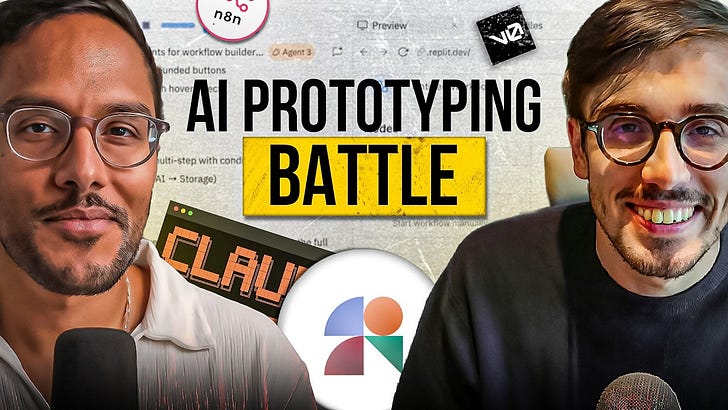
To maximize creative exploration ("diverging"), don't rely on one tool. Run the same open-ended "explore" prompt in several different AI prototyping tools. Each tool's unique system prompts will yield surprisingly different design directions, giving you a wider range of ideas to evaluate.
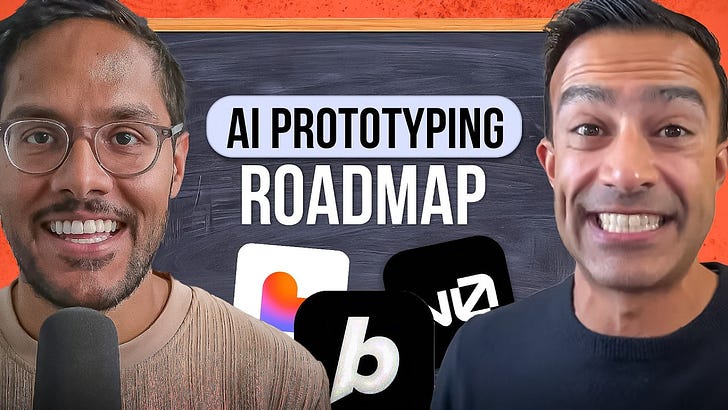
Use Claude's "Artifacts" feature to generate interactive, LLM-powered application prototypes directly from a prompt. This allows product managers to test the feel and flow of a conversational AI, including latency and response length, without needing API keys or engineering support, bridging the gap between a static mock and a coded MVP.
Instead of manually refining prompts, a superior workflow uses a model strong in text and logic (like Claude) to generate a highly structured, "OCD-level" prompt. This output can then be fed into a specialized model (like an image generator) to achieve far more precise and desirable results, leveraging the distinct strengths of each AI.
Instead of asking one AI to do everything, use different tools for specialized tasks, like using Claude to generate structured JSON data. This 'multi-agent' approach prepares clean, high-quality context for your primary prototyping tool, resulting in a better final output.

AI-powered UI builders often produce a similar look and feel. To overcome this, input your initial prompt into several tools (e.g., Lovable, Replit) at once. This "A/B test" of generators allows you to pick the most promising aesthetic and structural foundation, which you can then refine, saving significant iteration time.
