Get your free personalized podcast brief
We scan new podcasts and send you the top 5 insights daily.
Tools like FLUX Kontext provide parameters like a "guidance scale" that give users control over the restoration. This allows for a trade-off between a conservative, faithful artifact removal and more creative, AI-driven enhancements, rather than being a simple on/off fix.

Related Insights
The FLUX Kontext model demonstrates the power of specialized AI. By focusing solely on JPEG compression artifacts, it achieves superior results for that specific problem compared to general-purpose image restoration models designed to handle a wider range of damage like scratches or fading.
For creating specific image editing capabilities with AI, a small, curated dataset of "before and after" examples yields better results than a massive, generalized collection. This strategy prioritizes data quality and relevance over sheer volume, leading to more effective model fine-tuning for niche tasks.
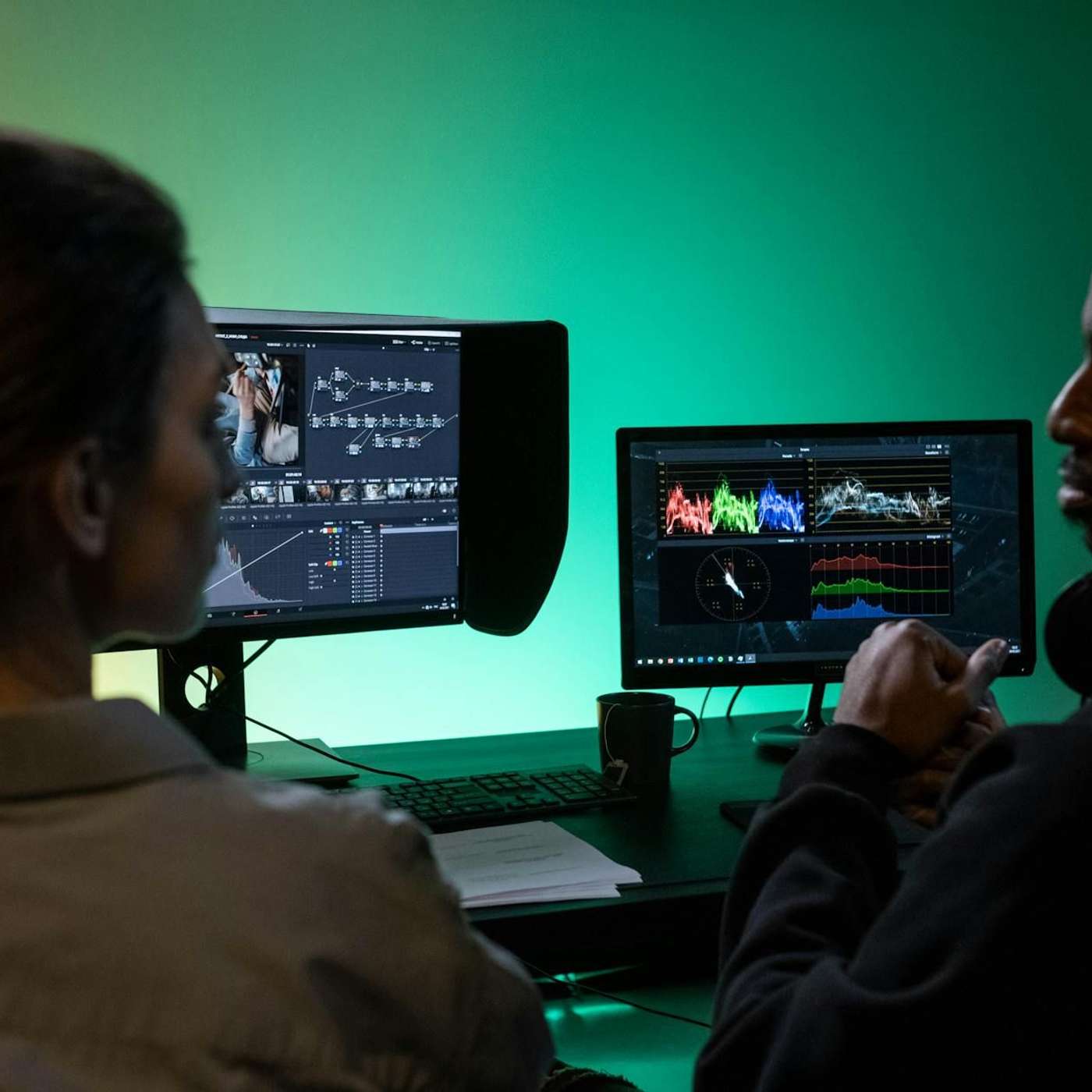
Most generative AI tools get users 80% of the way to their goal, but refining the final 20% is difficult without starting over. The key innovation of tools like AI video animator Waffer is allowing iterative, precise edits via text commands (e.g., "zoom in at 1.5 seconds"). This level of control is the next major step for creative AI tools.

The most creative use of AI isn't a single-shot generation. It's a continuous feedback loop. Designers should treat AI outputs as intermediate "throughputs"—artifacts to be edited in traditional tools and then fed back into the AI model as new inputs. This iterative remixing process is where happy accidents and true innovation occur.
The FLUX Kontext model for JPEG artifact removal isn't a simple automated filter. It leverages text prompts to guide the restoration process, allowing users to describe the image's original content to help the AI more accurately reconstruct details lost to compression.
Don't accept the false choice between AI generation and professional editing tools. The best workflows integrate both, allowing for high-level generation and fine-grained manual adjustments without giving up critical creative control.

Instead of describing UI changes with text alone, Google's AI Studio allows users to annotate a screenshot—drawing boxes and adding comments—to create a powerful multimodal prompt. The AI understands the combined visual and textual context to execute precise changes.

Specialized AI models no longer require massive datasets or computational resources. Using LoRA adaptations on models like FLUX.2, developers and creatives can fine-tune a model for a specific artistic style or domain with a small set of 50 to 100 images, making custom AI accessible even with limited hardware.

When analyzing video, new generative models can create entirely new images that illustrate a described scene, rather than just pulling a direct screenshot. This allows AI to generate its own 'B-roll' or conceptual art that captures the essence of the source material.
Unlike tools that generate images from scratch, this model transforms existing ones. Users control the intensity, allowing for a spectrum of changes from subtle lighting adjustments to complete stylistic overhauls. This positions the tool for iterative design workflows rather than simple generation.