Get your free personalized podcast brief
We scan new podcasts and send you the top 5 insights daily.
RunTools visualizes AI agents as avatars in a 3D virtual office. This gamified interface serves a practical purpose: managers can "walk over" to an agent's desk and see its screen in real-time. This offers an intuitive, "look over their shoulder" method for monitoring and debugging complex automated tasks.

Related Insights
Learners demand hands-on experience. The next evolution of training involves AI agents that act as sidekicks, not just explaining concepts but also taking over the user's screen to demonstrate precisely how to perform a task, dramatically accelerating skill acquisition and reducing friction.

The 'Ralph Wiggum loop' concept involves an AI agent grabbing a single task, completing it, shutting down, and then repeating the process. This mirrors how developers pull user stories from a board, making it an effective model for orchestrating agent teams.
Instead of serial tasking, advanced users are becoming "agent jockeys," managing multiple AI instances simultaneously. Each agent performs a complex task in the background (e.g., ad generation, outreach), requiring the user to context-switch and manage a portfolio of automated workstreams to maximize output.
![Claude Code marketing masterclass [from idea to making $$] thumbnail](https://assets.flightcast.com/workspaces/vde7jbg9rfhsyiw9o46f9sj8/podcasts/ordbkg8yojpehffas7vr7qpc/t8c97hs8oy7a2xnobsfu5p42.jpg)
The next frontier for AI in development is a shift from interactive, user-prompted agents to autonomous "ambient agents" triggered by system events like server crashes. This transforms the developer's workbench from an editor into an orchestration and management cockpit for a team of agents.

The primary interface for managing AI agents won't be simple chat, but sophisticated IDE-like environments for all knowledge workers. This paradigm of "macro delegation, micro-steering" will create new software categories like the "accountant IDE" or "lawyer IDE" for orchestrating complex AI work.

As businesses deploy multiple AI agents across various platforms, a new operations role will become necessary. This "Agent Manager" will be responsible for ensuring the AI workforce functions correctly—preventing hallucinations, validating data sources, and maintaining agent performance and integration.

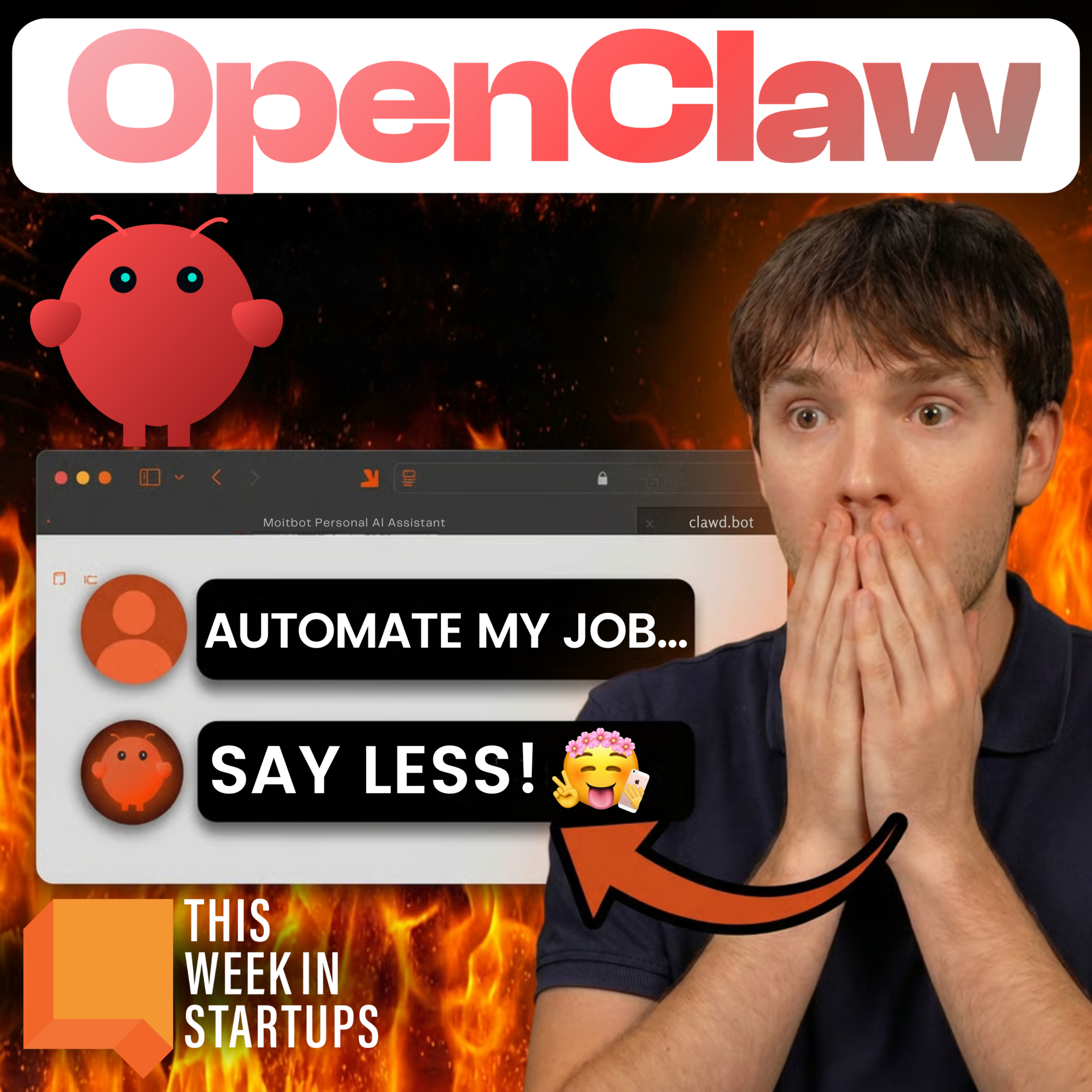
When deploying a complex AI agent like OpenClaw, the first step should be creating a visual dashboard. The default chat interface is a black box; a dashboard provides critical visibility into the AI's memory, skills, and scheduled jobs, making it manageable.
The IDE Zed was built for synchronous, Figma-like human collaboration to overcome asynchronous Git workflows. This foundation of real-time, in-code presence serendipitously created the perfect environment for integrating AI agents, which function as just another collaborator in the same shared space.

Desktop-based AI agents like Claude Co-Work, which can see your screen and local files, are a game-changer. They enable non-engineers to tackle complex projects like building production apps with single sign-on by providing real-time assistance and debugging.
Long-horizon agents, which can run for hours or days, require a dual-mode UI. Users need an asynchronous way to manage multiple running agents (like a Jira board or inbox). However, they also need to seamlessly switch to a synchronous chat interface to provide real-time feedback or corrections when an agent pauses or finishes.