Get your free personalized podcast brief
We scan new podcasts and send you the top 5 insights daily.
Instead of simple mockups, AI can generate standalone HTML documents with interactive elements like approve/deny buttons. This creates a conversational artifact, allowing designers to provide structured feedback directly within the prototype, which is then fed back to the AI for the next iteration.

Related Insights
The internal tool includes an annotation feature allowing users to comment directly on the live prototype. These comments are then queued up as tasks for the AI to execute, closing the loop from feedback to implementation and dramatically speeding up the iteration cycle.

Mature AI design workflows involve spending significantly more time in low-cost, exploratory environments like HTML prototypes before a full build. This "visual planning" phase solidifies UX and flows, proving more efficient than the earlier method of immediately generating and then tweaking code.
Go beyond rapid prototyping. AI workflows can instantly create a functional prototype and simultaneously generate a usability test to capture customer feedback. This closes the feedback loop, allowing you to synthesize results and build a V2 in a single session.

Rather than static Figma files, AI-generated "Artifacts" can be used to create interactive reports. They can summarize research, present multiple design versions, and link to other artifacts detailing specific explorations, creating a shareable, self-contained decision log.

Instead of creating multiple static mockups, prompt the AI to build a widget directly into a prototype that allows clicking through different design styles. This provides a live, interactive way to evaluate options within the actual user interface.

Instead of static mockups, prompt an AI to create a single HTML file containing multiple interactive UI options. This allows designers to quickly test and compare complex elements like animations or hover states, providing a faster and more tangible feedback loop for UI development.
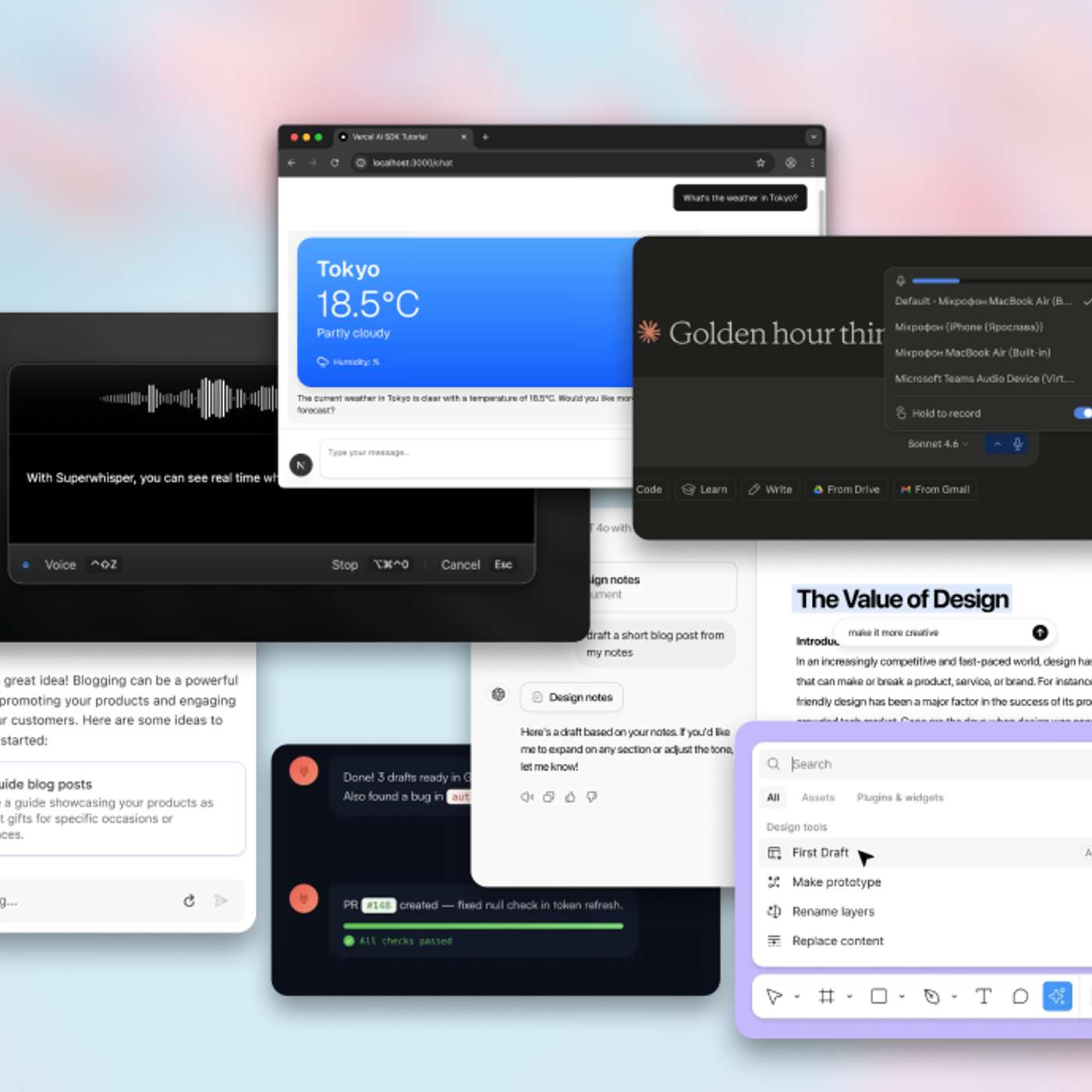
Early AI tools forced a frustrating 'regenerate' loop. Modern UX patterns succeed by making AI output interactive and editable within the same workflow. This shifts the user's expectation from a perfect final answer to a workable starting point, fostering a more collaborative process.
Instead of receiving a wall of text from an agent, prompt it to generate an interactive HTML artifact using a tool like Lavish. This makes plans easier to skim, critique, and annotate, enabling a much richer and faster feedback loop with the agent.
Instead of editing a complex AI-generated plan via text prompts, ask the AI to build a custom, throwaway HTML interface for a specific part of the plan (e.g., a table of rules). This "micro software" provides a more intuitive way to interact with and modify the plan, improving the quality of human feedback.

Before committing to a full implementation in a framework like React, use an AI agent to generate simple HTML artifacts that explore different design variations. This is a fast and cheap way to prototype visual concepts, especially for non-designers who "know it when they see it."