/
© 2026 RiffOn. All rights reserved.
  1. Dive Club 🤿
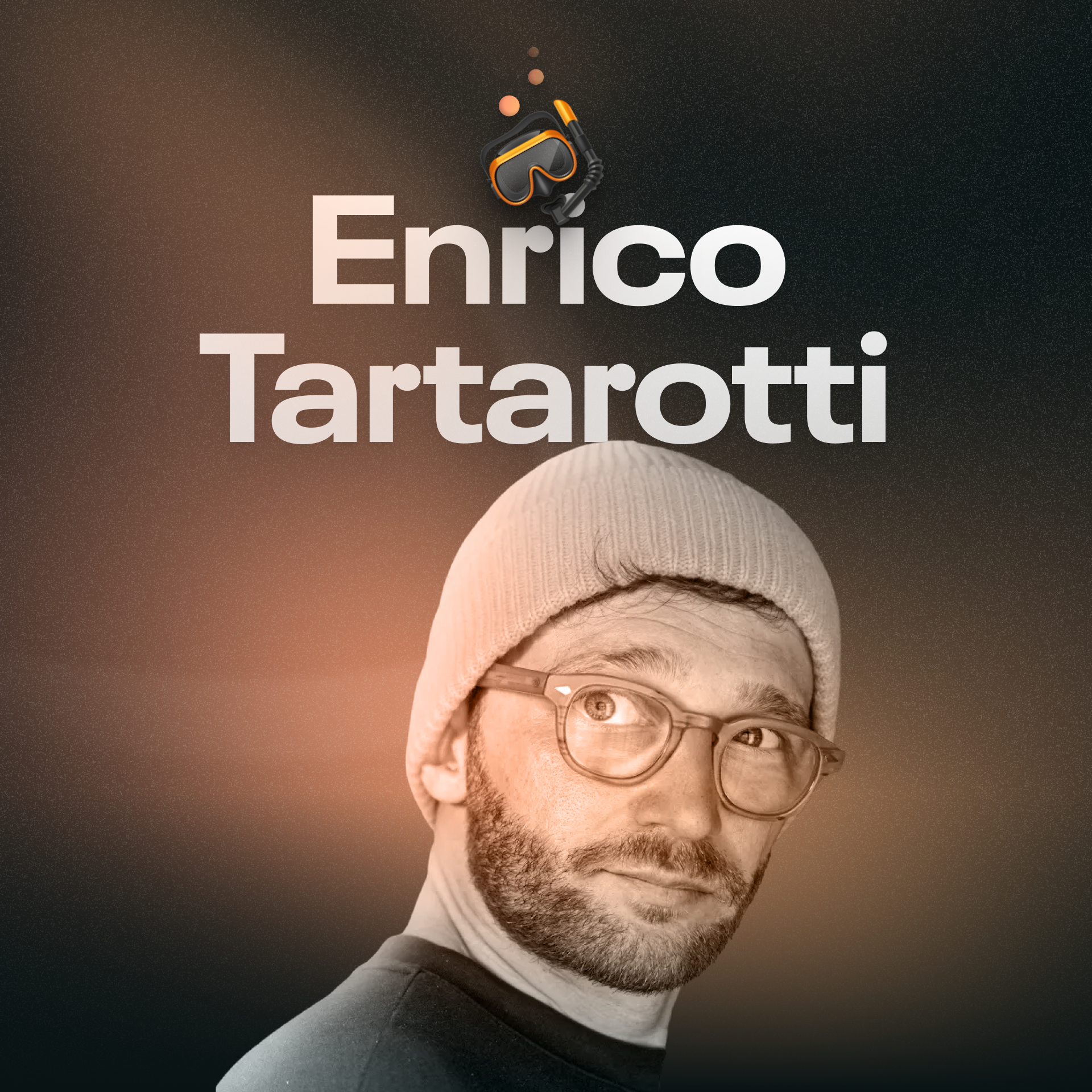
  2. Enrico Tartarotti - How did one person design and build all of this?
Enrico Tartarotti - How did one person design and build all of this?

Enrico Tartarotti - How did one person design and build all of this?

Dive Club 🤿 · Dec 29, 2025

Solo founder Enrico Tartarotti on building Flask. Learn how AI accelerates development 10x and why a 'pick your battles' design approach wins.

The Constraint of Solo Development Forces a Pragmatic Systems Thinking Approach to UI

Being the sole implementer forces a designer to think more systematically. Instead of designing two bespoke UIs for similar tasks, the implementation overhead encourages creating a single, reusable component that works in both contexts. This leads to a more coherent and maintainable product by necessity.

Enrico Tartarotti - How did one person design and build all of this? thumbnail

Enrico Tartarotti - How did one person design and build all of this?

Dive Club 🤿·2 months ago

Reveal Complex Features Organically Through Contextual UI Changes, Not Tutorials

To introduce powerful features without overwhelming users, design interactions that reveal functionality contextually. For instance, instead of a tutorial on zooming, have the UI automatically zoom out when space becomes limited. This makes the feature discoverable and its purpose immediately obvious.

Enrico Tartarotti - How did one person design and build all of this? thumbnail

Enrico Tartarotti - How did one person design and build all of this?

Dive Club 🤿·2 months ago

The Hardest Engineering Work Is Invisible Backend Refactoring That Unlocks Future Velocity

The most difficult engineering tasks aren't flashy UI features, but backend architectural changes. Refactoring a database schema to be more flexible is invisible to users but is crucial for long-term development speed and product scalability. Prioritizing this "boring" work is a key strategic decision.

Enrico Tartarotti - How did one person design and build all of this? thumbnail

Enrico Tartarotti - How did one person design and build all of this?

Dive Club 🤿·2 months ago

Solo Founders Use AI to Achieve a 10x Faster Iteration Speed Than Funded Teams

AI tools enable solo builders to bypass the slow, traditional "hire-design-refine" loop. This massive speed increase in iteration allows them to compete effectively against larger, well-funded incumbents who are bogged down by process and legacy concerns.

Enrico Tartarotti - How did one person design and build all of this? thumbnail

Enrico Tartarotti - How did one person design and build all of this?

Dive Club 🤿·2 months ago

Solo Builders Should Focus Pixel-Perfection on Core Components and Systematize Everything Else

As a solo builder, you can't afford to perfect every UI element. Instead, identify the 20% of components that drive 80% of user interaction and obsess over their details. For the rest, use libraries and minimal systems to ensure consistency without getting bogged down.

Enrico Tartarotti - How did one person design and build all of this? thumbnail

Enrico Tartarotti - How did one person design and build all of this?

Dive Club 🤿·2 months ago

Use Figma for High-Level Mockups and Low-Level Assets, Not for Perfect UI Kits

For a solo founder moving fast, a comprehensive Figma UI kit is often a waste of time. Instead, use Figma at two extremes: for very rough structural exploration (even wireframing with screenshots) and for creating specific graphic assets (gradients, icons). Build the details directly in code.

Enrico Tartarotti - How did one person design and build all of this? thumbnail

Enrico Tartarotti - How did one person design and build all of this?

Dive Club 🤿·2 months ago

Listen for the Problem Behind a Feature Request, Not the Suggested Solution

When users request a specific feature, like an API, don't take it at face value. Ask 'why' to uncover the underlying job-to-be-done. The user's goal might be a centralized view of comments, which can be solved with a dedicated feed—a much simpler solution than building a full API.

Enrico Tartarotti - How did one person design and build all of this? thumbnail

Enrico Tartarotti - How did one person design and build all of this?

Dive Club 🤿·2 months ago

Develop Design Taste by Deconstructing "God-Tier" Products, Not Just Studying Theory

To cultivate strong design taste without formal training, immerse yourself in best-in-class products. Actively analyze their details, from menus to spacing, and ask *why* they work. This reverse-engineering process builds intuition and raises your personal quality bar faster than theoretical study alone.

Enrico Tartarotti - How did one person design and build all of this? thumbnail

Enrico Tartarotti - How did one person design and build all of this?

Dive Club 🤿·2 months ago

Solicit Brutal, Actionable Critiques on Specific Details to Rapidly Improve Your Product's UI

To accelerate design skill, seek out blunt feedback from practitioners you respect. Go beyond high-level user feedback and ask for a "roast" on the visual details. The goal is to get concrete, actionable advice—even down to specific CSS classes—to refine your taste and execution.

Enrico Tartarotti - How did one person design and build all of this? thumbnail

Enrico Tartarotti - How did one person design and build all of this?

Dive Club 🤿·2 months ago

Before Coding With AI, Task It With Researching Industry-Standard Architectural Patterns

When using AI for complex but solved problems (like user permissions), don't jump straight to code generation. First, use the AI as a research assistant to find the established architectural patterns used by major companies. This ensures you're building on a proven foundation rather than a novel, flawed solution.

Enrico Tartarotti - How did one person design and build all of this? thumbnail

Enrico Tartarotti - How did one person design and build all of this?

Dive Club 🤿·2 months ago

In User Research, Ask Users to Describe Workflows, Not Problems, to Uncover Pain Points

To get unbiased user feedback, avoid asking leading questions like "What are your main problems?" Instead, prompt users to walk you through their typical workflow. In describing their process, they will naturally reveal the genuine friction points and hacks they use, providing much richer insight than direct questioning.

Enrico Tartarotti - How did one person design and build all of this? thumbnail

Enrico Tartarotti - How did one person design and build all of this?

Dive Club 🤿·2 months ago