Get your free personalized podcast brief
We scan new podcasts and send you the top 5 insights daily.
For teams in the Atlassian ecosystem, Dia can scan GitHub repositories for bugs or analyze Loom video bug reports and automatically create detailed Jira tickets. This feature streamlines the product development workflow by automating documentation.

Related Insights
Integrate AI agents directly into core workflows like Slack and institutionalize them as the "first line of response." By tagging the agent on every new bug, crash, or request, it provides an initial analysis or pull request that humans can then review, edit, or build upon.
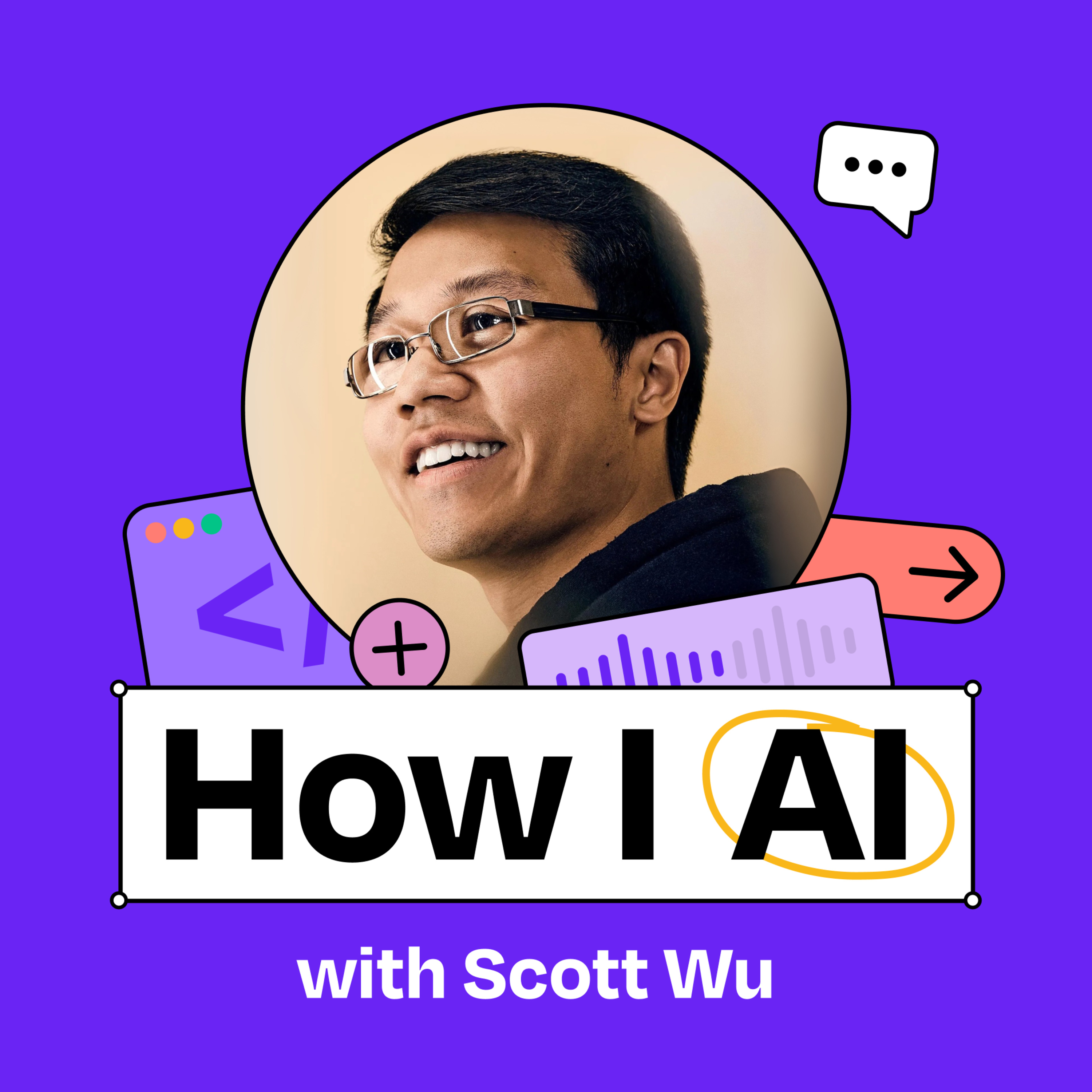
Principal PM Dennis Yang uses the AI-powered IDE Cursor not for coding, but as a central workspace for writing PRDs in Markdown, managing them with Git, and connecting to tools like Jira and Confluence. This consolidates the PM workflow into a developer-centric environment.
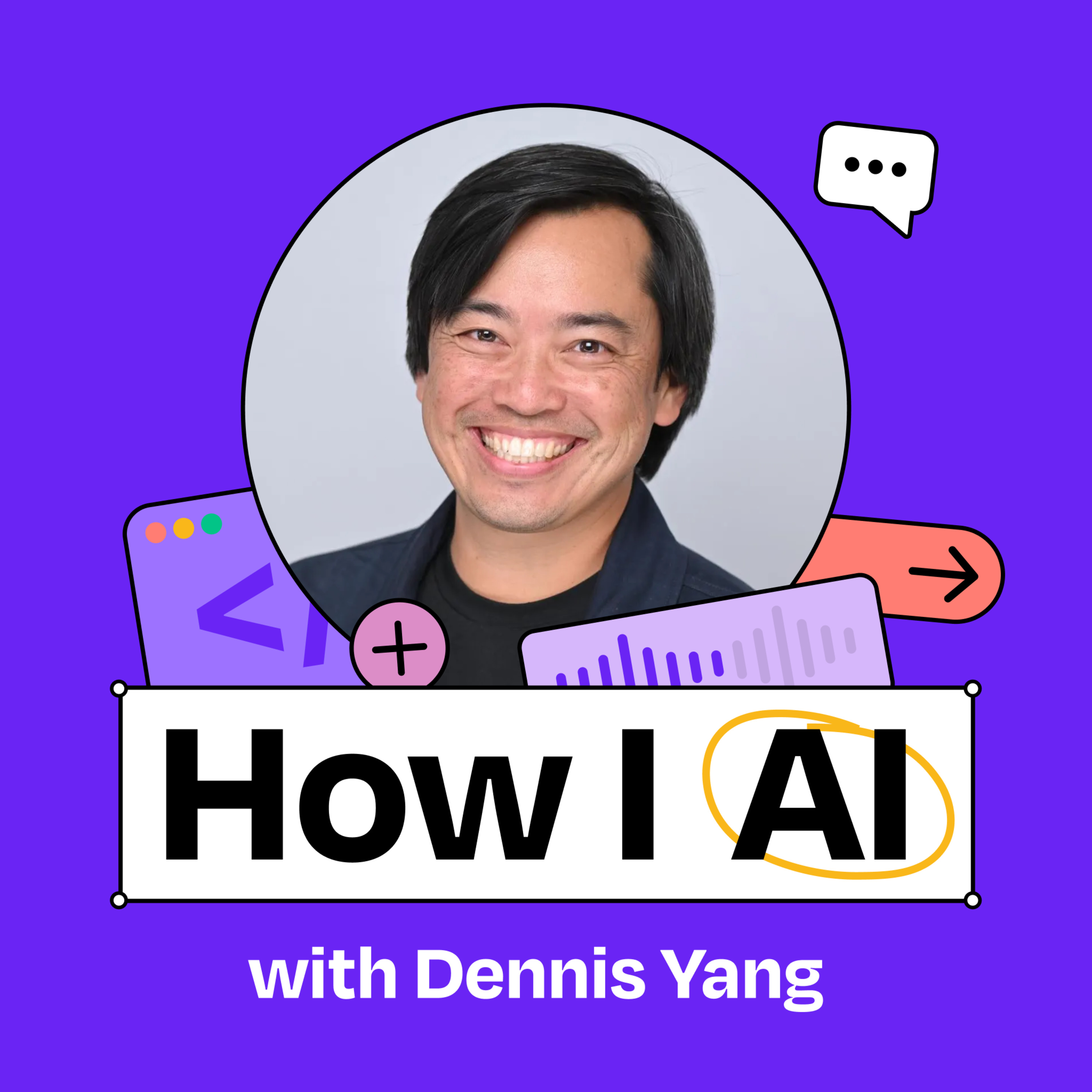
Compared to its competitors, Dia is superior at automatically discerning which of your many open browser tabs are relevant to a specific query. This reduces the need for users to manually curate sources and avoids "context pollution."
Go beyond static AI code analysis. After an AI like Codex automatically flags a high-confidence issue in a GitHub pull request, developers can reply directly in a comment, "Hey, Codex, can you fix it?" The agent will then attempt to fix the issue it found.

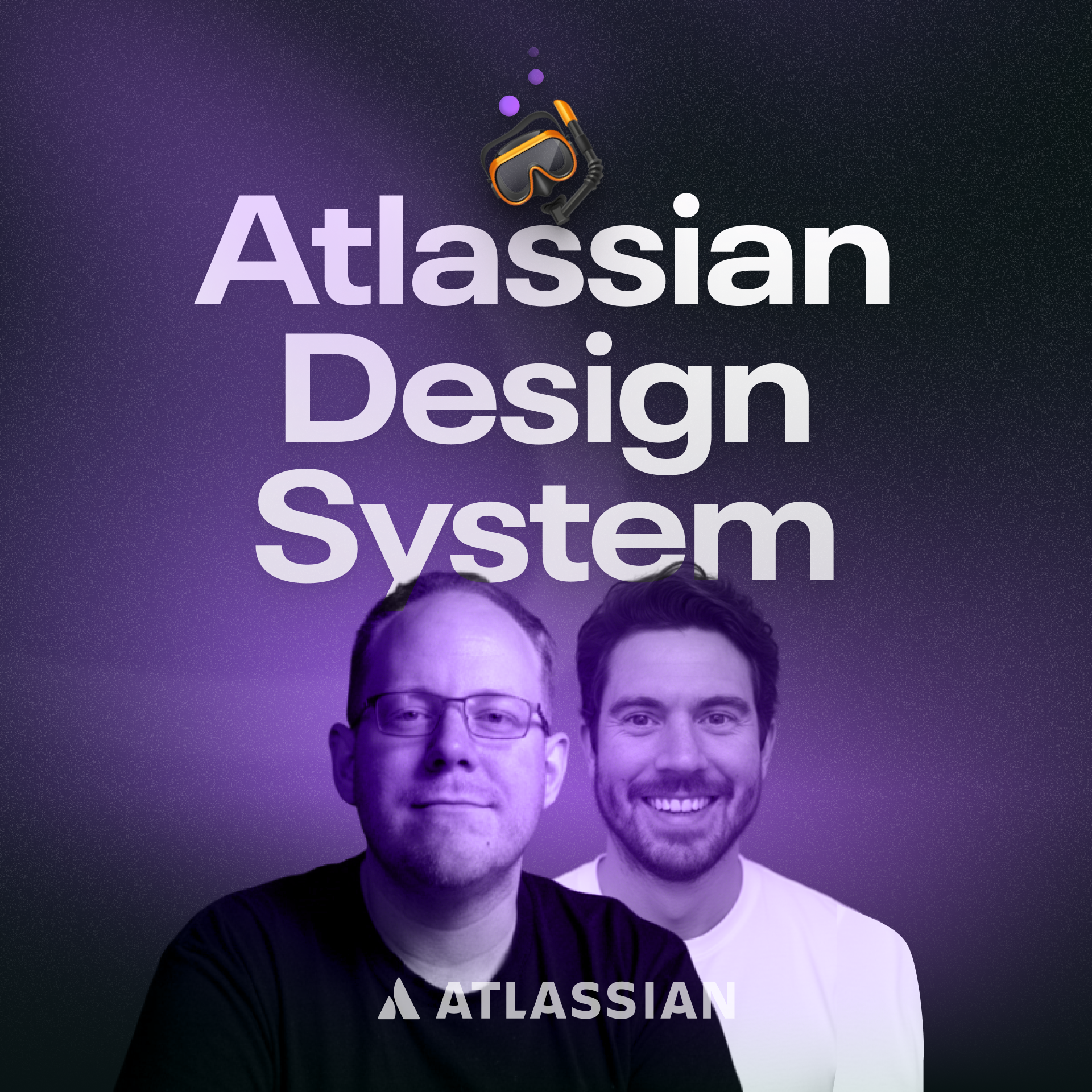
To avoid inconsistent or 'vibe coded' documentation, Atlassian's design system team built scripts that crawl their front-end monorepo. These scripts automatically generate structured guideline files for AI consumption by extracting component definitions, types, and usage examples directly from the production source code.
Solo developers can integrate AI tools like BugBot with GitHub to automatically review pull requests. These specialized AIs are trained to find security vulnerabilities and bugs that a solo builder might miss, providing a crucial safety net and peace of mind.

Keep AI context fresh by automating the generation of documentation and diagrams. Set up a GitHub action to create these assets when a pull request is closed, ensuring your AI assistant always works with the latest application logic without manual updates.

Software development platforms like Linear are evolving to empower non-technical team members. By integrating with AI agents like GitHub Copilot, designers can now directly instruct an agent to make small code fixes, preview the results, and resolve issues without needing to assign the task to an engineer, thus blurring the lines between roles.

You can instruct an AI browser to navigate through your product's user flows page-by-page. The agent will document each step and can even include screenshots, automating what is typically a very manual and time-consuming process for product teams.
AI tools connected to GitHub allow non-technical roles to conduct "forensic investigations" of a codebase. By prompting an AI, they can generate a full timeline of commits and PRs for a specific feature, providing ground-truth context during business incidents without needing engineering help.